How to Watch Movies in Spanish at Regal Cinemas with TheaterEars
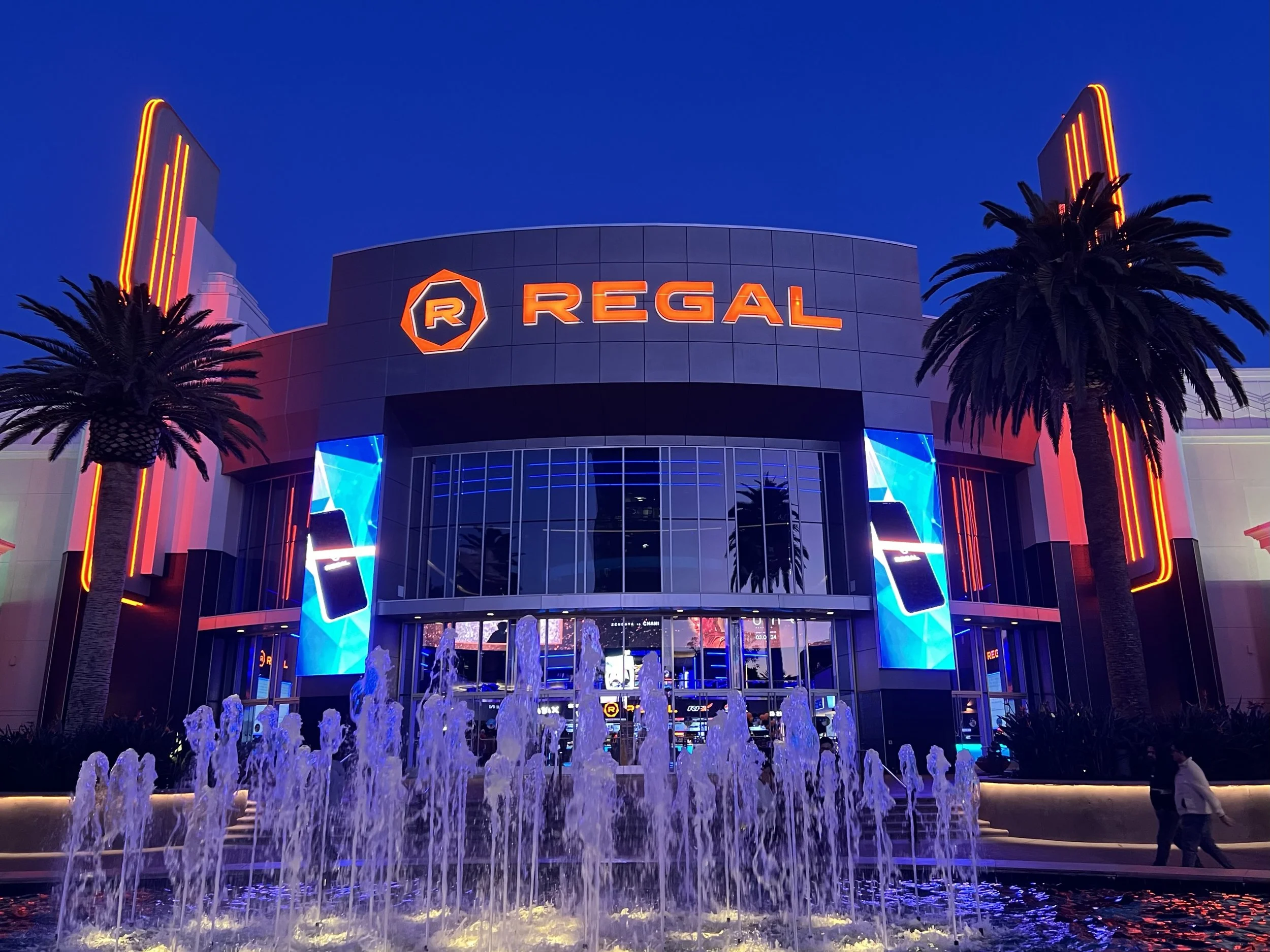
If you want to watch movies in Spanish at Regal Cinemas, you have more than one option.
Regal offers dedicated movie showtimes labeled in Spanish at participating theaters, including screenings that may be dubbed in Spanish or presented with Spanish subtitles.
But Regal also offers something especially useful for Spanish-speaking moviegoers:
TheaterEars is available for multi-language moviegoers at Regal Cinemas nationwide.
On Regal's own Spanish-language movie page, the theater chain tells customers that TheaterEars can help make going to the movies easier when language would otherwise be a barrier. Regal explains that moviegoers can install TheaterEars on a smartphone, select the movie, showtime, and language, prepare the audio track, and then allow the app to synchronize with the movie using the phone's microphone.
That gives moviegoers two different ways to search for:
Regal Cinemas Spanish Dubbed movies
Regal movies Dubbed in Spanish
Regal En Español
Regal Doblado en Español
Spanish movies at Regal near me
or
how to watch a movie in Spanish at Regal
You can look for a dedicated Spanish presentation where the entire auditorium hears the Spanish soundtrack.
Or, for a supported TheaterEars movie, you can attend a regular Regal showing and hear the official Spanish-language audio privately through your own headphones.
For bilingual families, those two options can make Regal much more flexible.
Does Regal Cinemas Show Movies in Spanish?
Yes.
Regal maintains a dedicated Películas en Español section on its website.
Regal says customers can see current blockbusters either dubbed or subtitled in Spanish and provides instructions for finding those presentations through REGmovies.com or the Regal app.
As of September 2026, Regal's Spanish-language movie page includes titles such as:
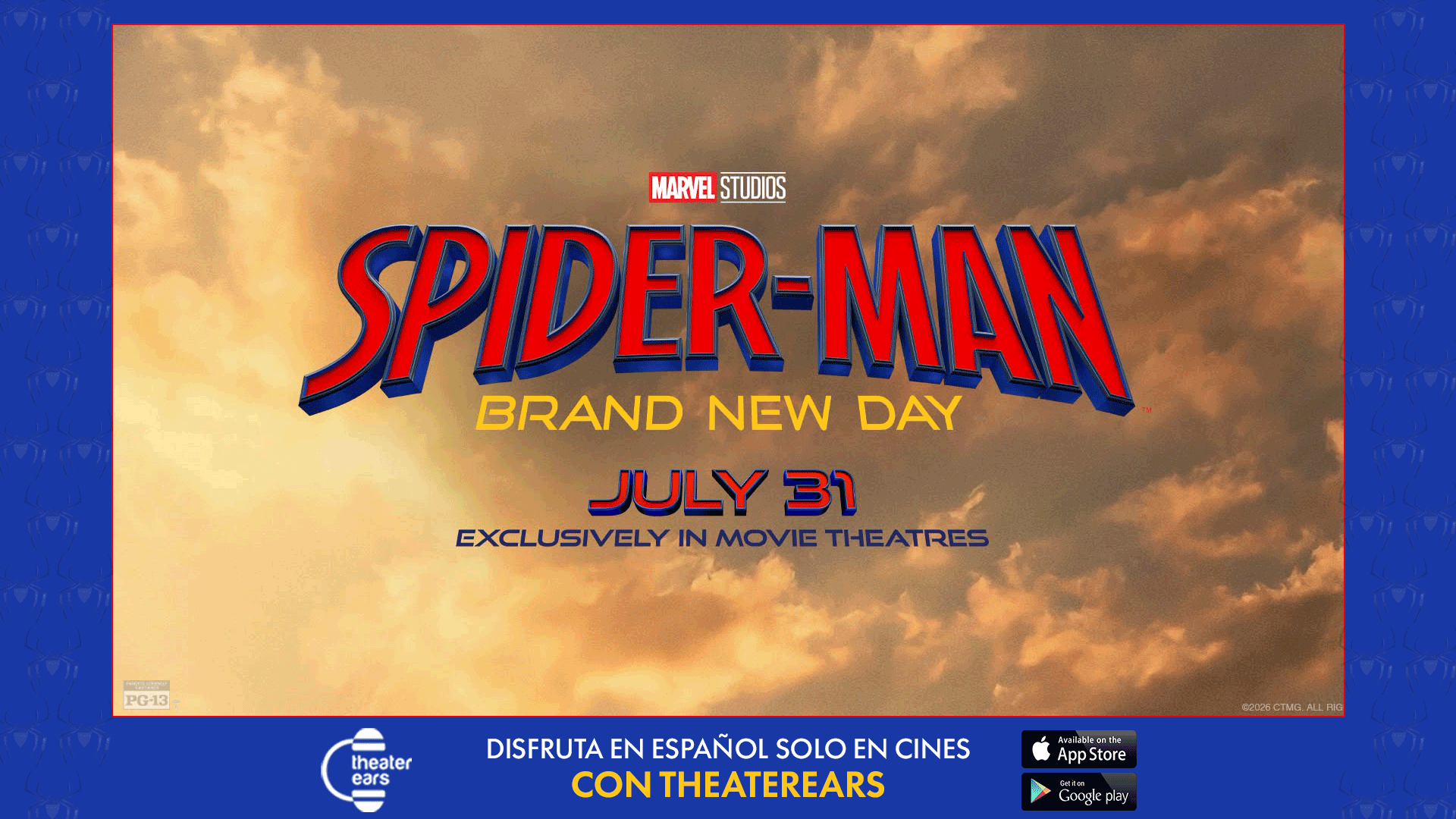
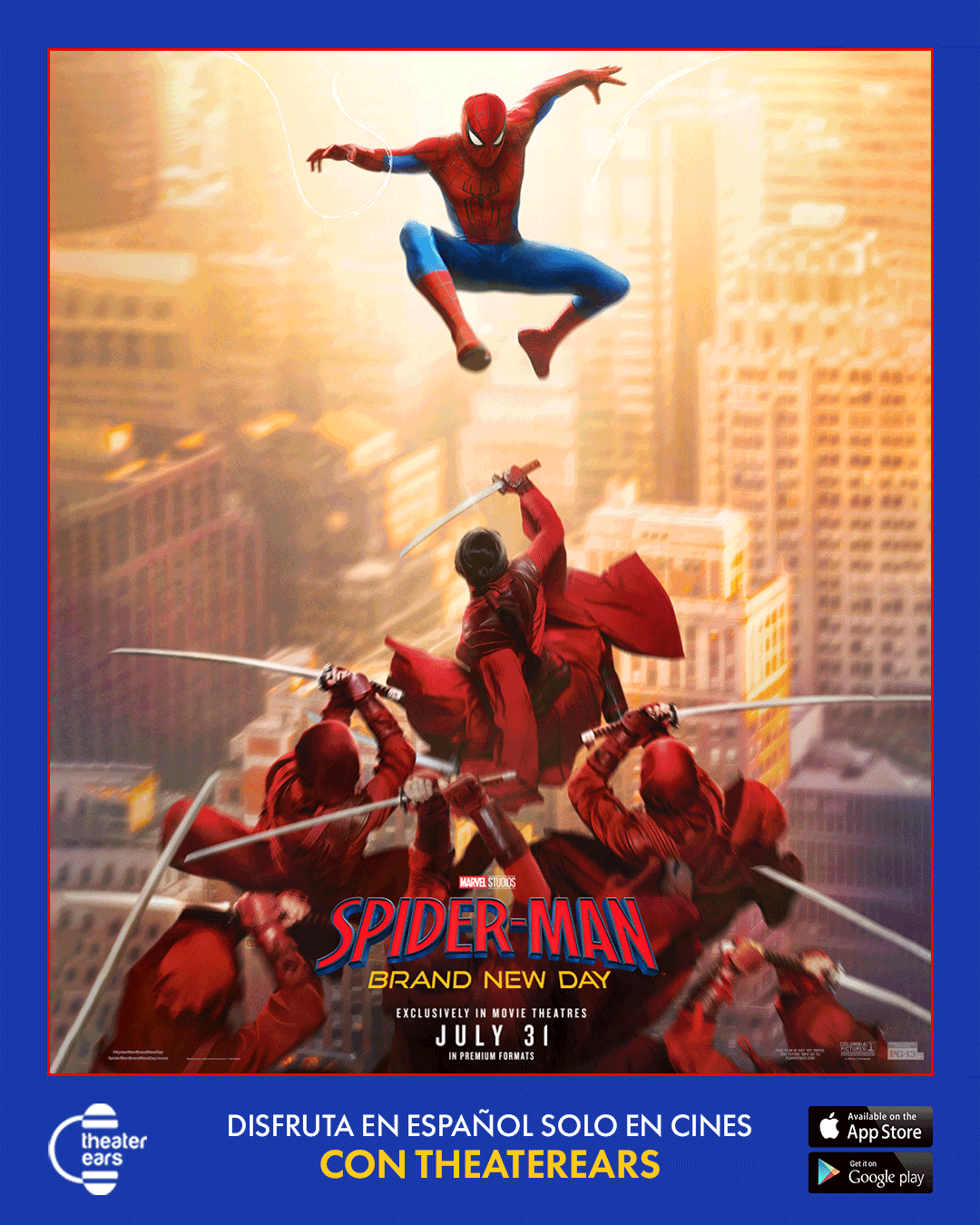
Spider-Man: Brand New Day (Spanish)
Resident Evil (Spanish)
Toy Story 5 (Spanish)
Moana (Spanish)
Minions & Monsters (Spanish)
The Fast and the Furious – 25th (Spanish)
alongside Spanish-language films and other programming.
The lineup changes as movies enter and leave theaters, so always check Regal's current schedule rather than relying on a permanent list.
How to Find Spanish-Language Movies on Regal's Website
Regal itself gives customers a simple process.
1. Visit Regal or Open the Regal App
Go to REGmovies.com or open the Regal mobile app.
2. Select Your Location
Choose the Regal theater where you want to see the movie.
Spanish-language programming can differ substantially from one Regal location to another.
3. Choose the Movie
Find the title you want to see.
4. Look for the Spanish Label
Regal recommends looking for showtimes labeled:
Spanish
or
Spanish Subtitles
depending on the presentation.
Make sure you read the label carefully.
A Spanish-dubbed presentation and a Spanish-subtitled presentation are not the same thing.
Spanish Dubbed vs. Spanish Subtitles at Regal
This distinction matters.
Spanish Dubbed / Dubbed in Spanish / Doblado en Español means the spoken dialogue has been replaced with a Spanish-language audio track.
Spanish Subtitles normally means the original spoken audio remains while Spanish text appears on screen.
For someone searching:
Regal Spanish Dubbed movies
Regal Doblado en Español
or
Regal Dubbed in Spanish
the desired experience is usually spoken Spanish audio.
Regal may offer dedicated screenings like that for certain movies.
But those screenings can depend on the movie, theater, city, and showtime.
That is where TheaterEars becomes another option.
Regal Has Officially Partnered with TheaterEars
Unlike a situation where moviegoers have to wonder whether an app can be used at a particular theater chain, Regal directly promotes TheaterEars.
Regal's own Spanish-language page says:
“Regal se ha asociado con TheaterEars” — Regal has partnered with TheaterEars — to help moviegoers experience films in their preferred language.
Regal explains that the user:
Installs TheaterEars on a smartphone.
Selects the movie.
Chooses the showtime.
Chooses the language.
Prepares the track.
Allows TheaterEars to synchronize once the feature begins.
That is unusually strong confirmation.
It means the relationship is not merely TheaterEars saying that its technology works inside Regal theaters.
Regal itself is directing Spanish-speaking customers to TheaterEars.
How to Watch a Movie Dubbed in Spanish at Regal with TheaterEars
For a movie supported by TheaterEars, the process is straightforward.
1. Choose Your Regal Movie and Showtime
Start by finding the Regal presentation you actually want to attend.
One major advantage of TheaterEars is that you can begin your search with:
Which theater do I want?
Which seats do I want?
Which showtime works for my family?
rather than beginning with:
Where is the one Spanish Dubbed screening?
After finding the Regal showtime, check TheaterEars to make sure that particular movie has a Spanish-language track available.
Not every movie should automatically be assumed to have one.
2. Download TheaterEars
TheaterEars is available for compatible iPhone and Android devices.
The app is designed to deliver synchronized Spanish movie audio through the user's own phone and earbuds in real time.
Set up the app before arriving at Regal.
That gives you time to sign in, check the movie, select the right language, and make sure your headphones are working.
3. Select Your Movie, Language, and Showtime
Inside TheaterEars:
Choose the movie.
Choose your Regal showtime.
Select Spanish.
Press Get Track.
TheaterEars says the audio then loads directly onto your phone.
Regal's own instructions describe essentially the same process for customers using TheaterEars.
4. Bring Your Own Headphones or Earbuds
The Spanish audio plays through your own headphones.
That is what allows you to hear the movie in Spanish while other people in the auditorium continue hearing Regal's normal soundtrack.
TheaterEars confirms that Bluetooth headphones can be used with the service.
Before heading into the auditorium, make sure:
Your phone is charged.
Your earbuds are charged.
Bluetooth is connected if applicable.
Both earbuds are working.
The Spanish track has been prepared.
You selected the correct Regal location and showtime.
5. Press Play When the Feature Begins
TheaterEars uses your phone's microphone to recognize the movie playing in the auditorium and synchronize the Spanish soundtrack.
TheaterEars says normal synchronization takes approximately 20 to 30 seconds.
Once it has synchronized, you can put the phone away and enjoy the movie.
Can My Family Watch the Same Regal Movie in English and Spanish?
Yes, when the title is supported by TheaterEars.
This may be one of the most useful reasons to use the service.
Imagine a family of five going to Regal.
The children prefer English.
One parent prefers English.
The other parent understands English but enjoys movies more in Spanish.
A grandparent speaks primarily Spanish.
Traditionally, the family might have to choose between:
a normal English showtime
or
a separate Spanish Dubbed showing.
With TheaterEars, the people who prefer Spanish can listen through their own headphones while everyone else hears the normal Regal auditorium soundtrack. TheaterEars describes bringing families and loved ones together despite language differences as one of the core purposes of the app.
Everyone can still choose:
the same movie,
the same theater,
the same showtime,
and seats together.
Do I Need a Special Spanish Showtime at Regal?
Not necessarily.
If Regal is offering a dedicated Spanish Dubbed presentation at a convenient time, that may be the simplest option.
Regal's Spanish page makes clear that it does schedule movies dubbed and subtitled in Spanish.
But TheaterEars gives supported moviegoers another option.
TheaterEars delivers the official Spanish dub directly to the user's headphones without requiring the entire auditorium to play that soundtrack.
That means a regular Regal showtime may work for a Spanish-speaking TheaterEars user when the movie itself is supported.
Does Every Regal Movie Work with TheaterEars?
Do not assume that.
Individual language tracks still depend on the movie.
TheaterEars' FAQ notes that each movie may not be available in every language.
The safest process is:
Find the Regal movie you want.
Open TheaterEars.
Confirm the movie appears.
Confirm Spanish is available.
Then choose your Regal ticket and showtime.
That avoids arriving at the theater expecting a Spanish track that is not available for that particular title.
Can I Use TheaterEars at Any Regal Showtime?
For a supported film, TheaterEars is designed to synchronize to the movie playing in the auditorium.
TheaterEars says the service works without special theater hardware and delivers the official Spanish dub through the user's device.
However, you should always select the correct movie and showtime inside the app.
The best practice is to check TheaterEars before buying a ticket specifically because you want Spanish audio.
Do I Need Special Equipment from Regal?
No special TheaterEars receiver needs to be checked out from Regal.
You use:
Your own smartphone.
The TheaterEars app.
Your own headphones or earbuds.
The Spanish track is delivered directly through your device.
That makes TheaterEars different from traditional assistive-listening devices supplied by movie theaters.
Can I Use AirPods at Regal with TheaterEars?
Yes.
TheaterEars says Bluetooth headphones are supported.
AirPods and other compatible wireless earbuds can therefore be used.
Before the movie begins:
Connect them.
Check the battery.
Test the audio.
Make sure both earbuds are active.
For longer movies, make sure you have enough battery to last the entire feature.
Does TheaterEars Need Wi-Fi During the Movie?
TheaterEars requires you to prepare the movie track through the app before playback.
Once inside the cinema, the phone's microphone listens to the theatrical presentation so the app can synchronize the Spanish track.
The important practical advice is to prepare everything before the feature begins rather than trying to configure the app after the lights go down.
Can I Watch IMAX Movies in Spanish at Regal?
Regal operates premium-format presentations including IMAX at participating theaters.
If a particular movie is supported by TheaterEars, the individual Spanish audio is delivered through the user's phone rather than through the auditorium speakers.
That means the format of the theatrical screen and the language in your earbuds can function independently.
For example, your process would be:
Find the IMAX movie at Regal.
Check TheaterEars for the title.
Confirm Spanish availability.
Select the corresponding showtime.
Prepare the track.
Bring your headphones.
The key factor is whether TheaterEars supports that particular movie.
Can I Watch RPX Movies in Spanish at Regal?
The same general principle applies to Regal's RPX presentations.
A supported TheaterEars track is delivered individually through your headphones.
That means Spanish-speaking audiences are not necessarily limited to standard auditoriums simply because they prefer Spanish.
Always confirm the individual movie in TheaterEars first.
Can I Watch 4DX Movies in Spanish at Regal?
Potentially, yes, for supported titles.
Regal offers 4DX presentations at participating theaters, and TheaterEars operates on the individual moviegoer's smartphone rather than requiring a Spanish soundtrack to be played over the auditorium's main sound system.
Again, verify the title in TheaterEars before choosing a ticket specifically for Spanish playback.
What Movies Are Available in Spanish at Regal Right Now?
Regal's current dedicated Spanish-language page is the best place to start.
As of September 2026, it includes a changing selection of major studio titles and Spanish-language releases. Current examples include Spider-Man: Brand New Day (Spanish), Resident Evil (Spanish), Toy Story 5 (Spanish), Moana (Spanish) and others.
Those movies will change as theatrical releases change.
So rather than searching an old list, visit Regal's Películas en Español section and check what is currently playing.
Why Doesn't Every Regal Theater Have the Same Spanish Showtimes?
Regal schedules films across a very large network of theaters and markets.
The dedicated Spanish-language presentations available at one theater may not appear at another.
That means a Spanish Dubbed showtime can be:
Available only at selected locations.
Offered at only one or two times per day.
Available for some movies but not others.
More common in certain markets.
Regal's own instructions tell customers to select their location first and then look for showtimes labeled Spanish or Spanish Subtitles.
TheaterEars can reduce the need to depend solely on those dedicated showtimes when a movie is supported.
Regal Spanish Dubbed vs. TheaterEars: Which Should You Choose?
Neither option is automatically better.
They serve different needs.
Choose a Dedicated Regal Spanish Dubbed Showing If:
Everyone in your group wants Spanish.
The showtime is convenient.
You want the Spanish soundtrack through the auditorium's full speaker system.
You do not want to wear headphones.
Choose TheaterEars If:
Some people in your group prefer English and others prefer Spanish.
A dedicated Spanish showtime is inconvenient.
You want to attend the same regular showing as English-speaking friends or relatives.
You prefer choosing your theater and showtime first and then checking for supported individual Spanish audio.
For many bilingual families, that second scenario is particularly valuable.
Regal TheaterEars Checklist
Before heading to Regal, make sure:
TheaterEars is installed.
Your account is ready.
Your movie appears in the app.
Spanish is available.
You selected the correct Regal theater.
You selected the correct showtime.
You pressed Get Track.
Your phone is charged.
Your headphones are charged.
Bluetooth is connected if needed.
Both earbuds work.
Your Regal ticket is ready.
Once the movie starts, allow roughly 20 to 30 seconds for TheaterEars to synchronize.
Frequently Asked Questions About Watching Movies in Spanish at Regal Cinemas
Does Regal Cinemas Show Movies in Spanish?
Yes. Regal has a dedicated Películas en Español page featuring movies dubbed or subtitled in Spanish.
Does Regal Offer Spanish Dubbed Movies?
Yes. Regal says it offers current movies dubbed and subtitled in Spanish at participating theaters.
How Do I Find Regal Spanish Showtimes?
Go to REGmovies.com or the Regal app, choose your location and movie, and look for showtimes labeled Spanish or Spanish Subtitles.
Does Regal Work with TheaterEars?
Yes. Regal's own Spanish-language page explicitly states that Regal has partnered with TheaterEars.
How Do I Watch a Regal Movie Dubbed in Spanish with TheaterEars?
Download TheaterEars, choose a supported movie and Regal showtime, select Spanish, press Get Track, connect your headphones and press play around the beginning of the feature. TheaterEars then synchronizes the Spanish audio with the movie.
¿Puedo Ver Películas Dobladas en Español en Regal?
Sí. Regal ofrece algunas funciones completas en español y también se ha asociado con TheaterEars, que permite escuchar el audio en español de películas compatibles mediante tu teléfono y audífonos.
Can My Family Watch in English While I Listen in Spanish?
Yes. With TheaterEars, the supported Spanish soundtrack plays privately through your headphones while other people continue hearing Regal's normal auditorium soundtrack.
Do I Need a Special Spanish Showtime to Use TheaterEars?
No. TheaterEars is designed to provide individual synchronized Spanish audio during supported theatrical showings.
Does Every Regal Movie Have Spanish Audio on TheaterEars?
No. TheaterEars says individual movies may not be available in every language, so check the specific title before relying on the service.
Can I Use Bluetooth Headphones?
Yes. TheaterEars confirms Bluetooth headphones are supported.
How Long Does TheaterEars Take to Synchronize?
Normal synchronization takes approximately 20 to 30 seconds.
Do I Need Special Regal Equipment?
No. TheaterEars uses your own smartphone and headphones. No special TheaterEars hardware needs to be installed in the theater.
Can I Watch Regal IMAX Movies in Spanish?
For a movie supported by TheaterEars, the Spanish audio is delivered privately through your phone and headphones while you attend the theatrical showing. Check the specific movie and showtime in the app.
Is Spanish Dubbed the Same as Spanish Subtitles?
No. Spanish Dubbed / Doblado en Español means you hear spoken Spanish audio. Spanish Subtitles generally means you hear the original soundtrack while reading translated Spanish text.
The Bottom Line: How to Watch Movies in Spanish at Regal Cinemas
If you are searching for:
movies in Spanish at Regal Cinemas
Regal Spanish Dubbed movies
Regal Dubbed in Spanish
Regal En Español
Regal Doblado en Español
or
Spanish movies at Regal near me
you have two strong options.
First, check Regal's own Películas en Español page.
Regal currently offers dedicated Spanish-language presentations for selected movies and tells customers to look for showtimes labeled Spanish or Spanish Subtitles.
Second, check TheaterEars.
And this is not an unofficial workaround.
Regal itself says it has partnered with TheaterEars.
For supported movies:
Choose your Regal theater.
Choose your preferred showtime.
Open TheaterEars.
Select the movie.
Choose Spanish.
Get the track.
Bring your headphones.
Press play when the feature begins.
Then TheaterEars synchronizes the official Spanish-language audio with the movie playing on Regal's screen.
Your children can listen in English.
Your spouse can listen in English.
Your parents can listen En Español.
Your grandparents can hear the movie Doblada en Español.
And everyone can still sit together at the same Regal showing.
So the next time you search:
“Does Regal show movies in Spanish?”
the answer is no longer simply:
“Sometimes.”
Regal does offer dedicated Spanish presentations.
And with Regal's & TheaterEars, supported movies can give Spanish-speaking viewers another way to choose the movie, theater and showtime they actually want—without requiring the entire family to choose the same language.