

Bring Your Entire Family To The Movies
Family members who prefer spanish can now watch movies in the movie theater & get movie news in their own language with the TheaterEars App.
For too long, language has prevented families from coming together at the movies. Now you can bring your parents, grandparents, and other friends and family members to the movies with you regardless of the language they speak with the TheaterEars app, providing the ultimate multilanguage cinema experience.


How To Use TheaterEars

TheaterEars is the #1 App for Movies in Spanish at the Movie Theater
TheaterEars is simple and easy to use. The app works on both Android and iPhones and can work with both wired and wireless earbuds.


Movie Related News








Get Started with TheaterEars
STEP 1 - DOWNLOAD THE APP
Downloading TheaterEars is simple and easy for either your iPhone or your Android based device. Simply go the App Store or Google Play, or download directly from the links below. Once you've downloaded the app, follow the on screen prompts to setup your account and optimize your moviegoing experience.


STEP 2 - SELECT YOUR MOVIE, LANGUAGE, & SHOWTIME
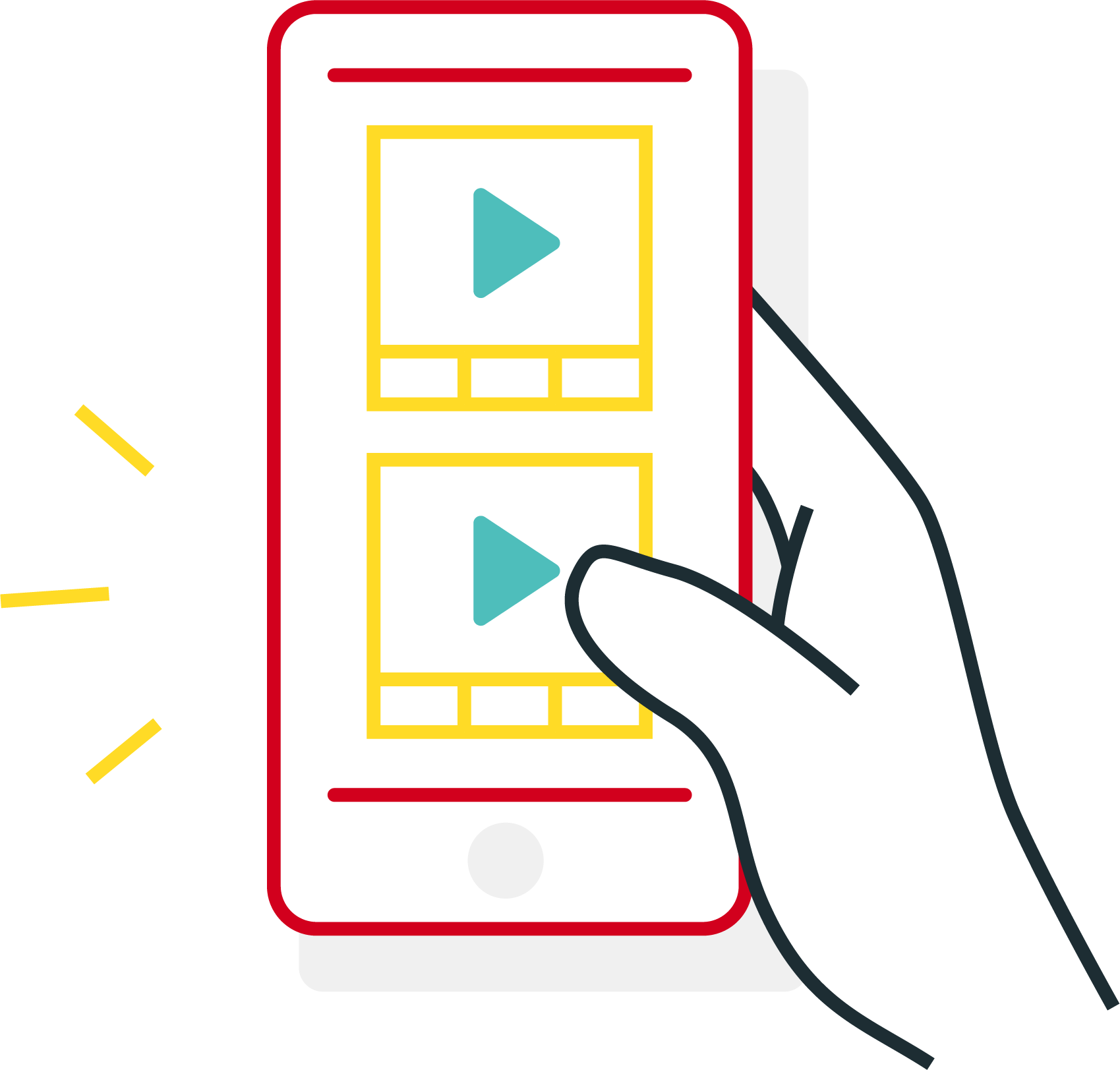
Once you've signed up for an account with TheaterEars, simply select your movie and showtime directly from the home screen in the app. From there, your default language will be selected and you will have the chance to get the movie on your phone. Simply press the "Get Track" button and the movie audio will load directly onto your phone.

STEP 3 - PLUG IN YOUR EARPHONES, PRESS PLAY, & ENJOY
When you arrive in the movie theater, make sure that your earphones are plugged in to your Apple or Android based mobile device. To start the movie, press the play button located at the bottom of the screen prior to the start of the movie. Allow up to 30 seconds from the start of the movie for the Theater Ears app to sync. Then sit back, relax, and enjoy.

Company News










Movie Interviews






.: Materials: 100% natural soy wax blend, 100% cotton wick and a glass jar
.: One size: 2.8″ × 3.5" (7.1cm × 8.9cm)
.: Burning time: 50-60 hours
.: Glossy permanent adhesive label
.: Choose from five different aromatic scents
.: Assembled in the USA from globally sourced parts
.: NB! All scents have the same wax color